
Slow computer speed-up
Find the background clutter, startup processes, or aging hardware that is holding your computer back.
Simcoe & Norfolk County
Whether you work from home, study, shop, or stay connected with family, you shouldn’t have to plan your day around a painfully slow computer.
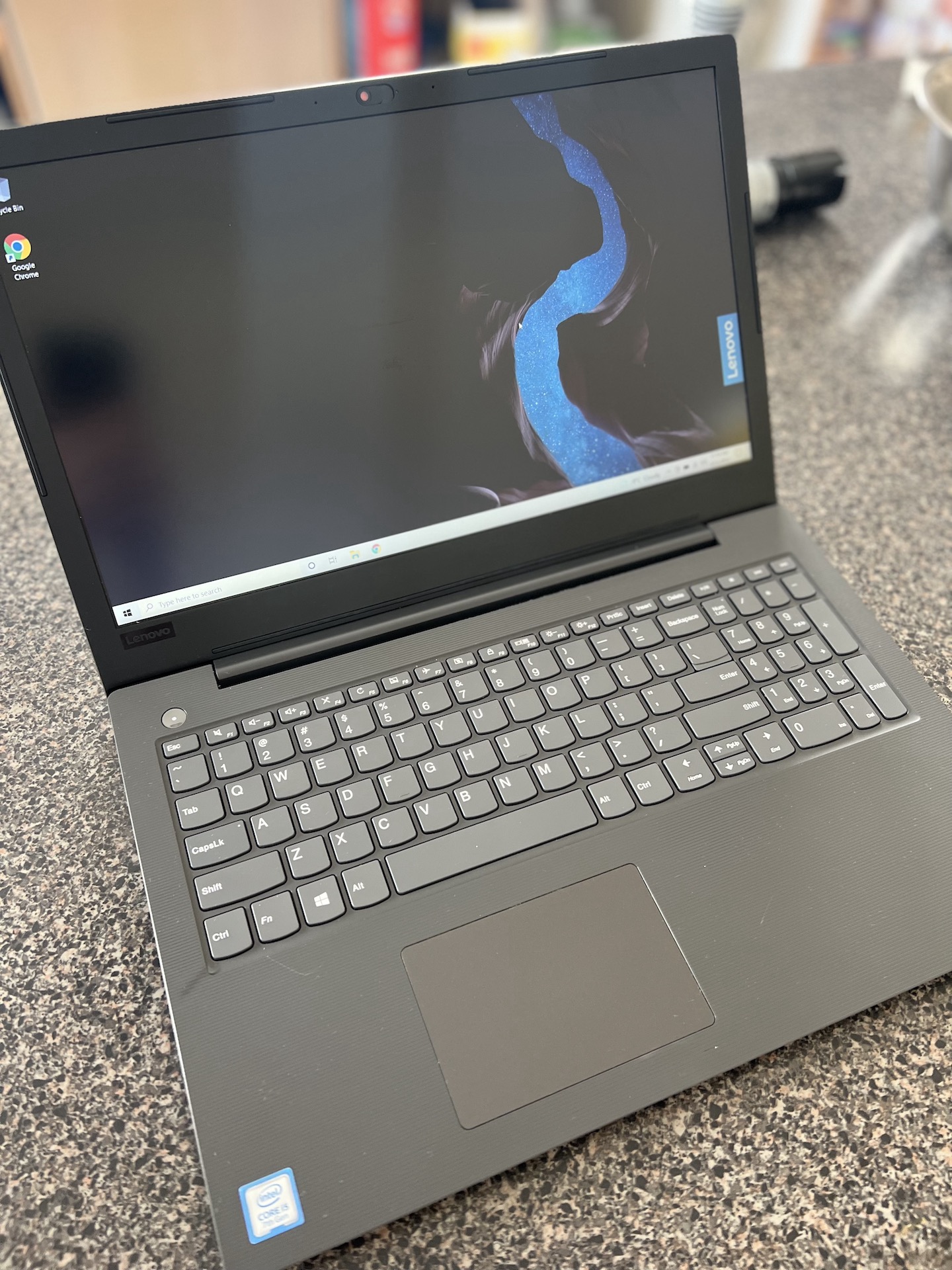
Personal computer service
Desktop, tower, laptop, gaming, MacBook, and iMac computers all slow down or fail in different ways. I’ll identify the cause, explain the realistic options, and keep you updated throughout the work.
The vast majority of personal computer repairs are completed in less than 48 hours.
Common personal repairs
Find the background clutter, startup processes, or aging hardware that is holding your computer back.
Remove fake antivirus software, suspicious search engines, unwanted pop-ups, and other malicious programs.
Upgrade SSD storage, RAM, or a video card when the right compatible part can extend a capable computer's useful life.
Recover or move important photos, documents, and files when a computer or drive is failing.
Diagnose looping updates, boot errors, and computers that will not reach the Windows desktop.
Troubleshooting and selected hardware or software repairs for MacBook and iMac computers.
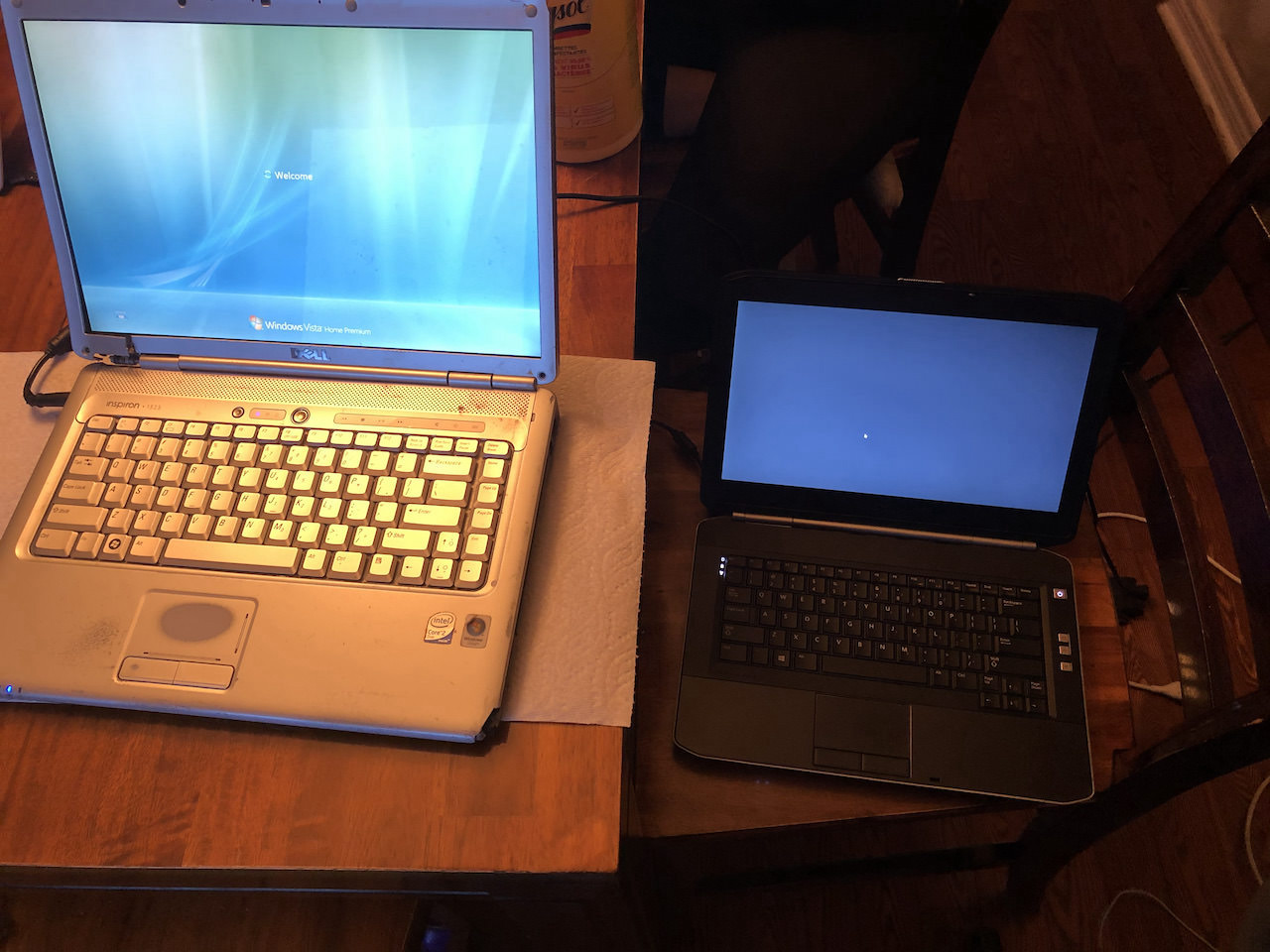
Laptops, desktops & gaming PCs
A capable computer can often be made useful again by cleaning up unwanted processes, replacing a slow drive, adding memory or a compatible video card, or correcting a failed Windows startup.
What happens next
Use the message form or send a direct text. Describe the computer, the symptoms, and anything important stored on it.
Most customers drop off in Simcoe. Pickup or an on-site visit may be possible when the situation calls for it.
I diagnose the issue, explain the practical options, and keep you updated while the work is underway.
Personal repair FAQs
Bring the computer and its power adapter. If the problem involves an external drive, printer connection, or another accessory, mention it when scheduling.
Data recovery and transfer are available. If a drive may be failing, stop using the computer as soon as possible and explain which files matter most.
Yes. Gaming PCs can be diagnosed for performance, storage, memory, malware, startup, and compatible video-card upgrade needs. Power-supply repair is not offered.
Send the details through the form and I’ll help you plan the next step. Direct text is available too.
Prefer to call? Reception: 1-833-214-1804