
Slow computer speed-up
Find the background clutter, startup processes, or aging hardware that is holding your computer back.
Simcoe & Norfolk County
Start with the symptom—not a guess. I’ll narrow down what is slowing, interrupting, or preventing your computer from working and explain the practical repair options.
Repair services
The same problem can have several causes. Each service begins with a diagnosis so the repair addresses the source, not just the symptom.
Find the background clutter, startup processes, or aging hardware that is holding your computer back.
Remove fake antivirus software, suspicious search engines, unwanted pop-ups, and other malicious programs.
Upgrade SSD storage, RAM, or a video card when the right compatible part can extend a capable computer's useful life.
Recover or move important photos, documents, and files when a computer or drive is failing.
Diagnose looping updates, boot errors, and computers that will not reach the Windows desktop.
Troubleshooting and selected hardware or software repairs for MacBook and iMac computers.
Startup programs, background processes, cluttered software, limited memory, and older hard drives can all make a computer painfully slow. The repair focuses on finding which combination is actually affecting yours.
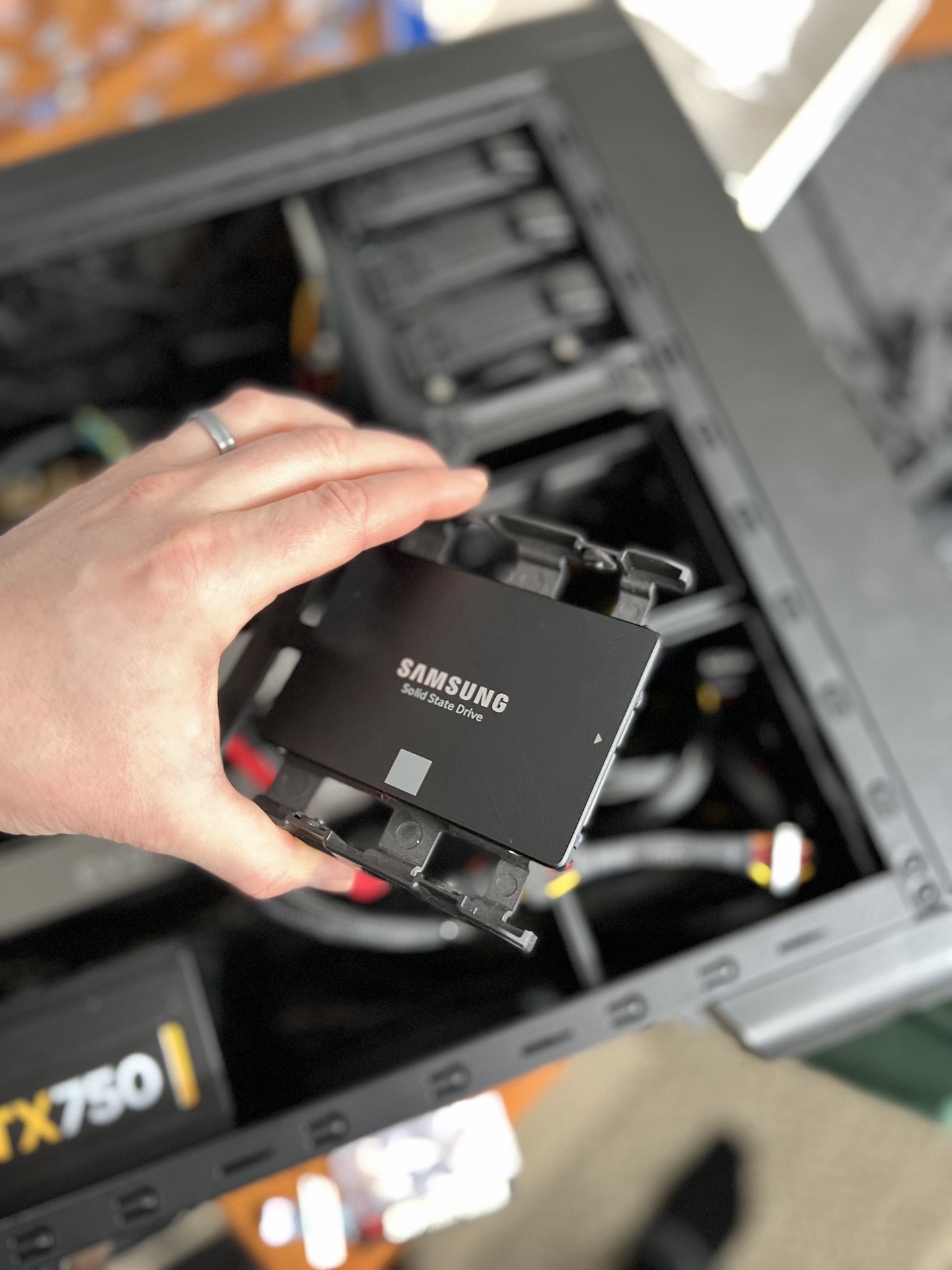
If the computer still has a mechanical hard drive, an SSD upgrade can make a dramatic difference without replacing the entire machine.
Unexpected pop-ups, a strange default search engine, urgent payment demands, or software you do not remember installing can point to malware or unwanted programs. These are removed carefully, followed by checks for leftover changes.
Photos, documents, and business files can often be recovered or transferred when a computer no longer starts normally. If a drive is making unusual sounds or files suddenly disappear, stop using it and send a message before attempting more repairs.
An SSD can replace an older spinning drive, additional RAM can help with heavier workloads, and a compatible video card may improve gaming or graphics performance. Compatibility, power requirements, and value are checked before parts are recommended.
Looping updates, repeated restarts, a black screen, or a computer that never reaches the desktop can have software or hardware causes. Diagnosis comes before reinstalling or replacing anything.
Selected Apple computer issues can be diagnosed and repaired, including slow performance, storage problems, and software trouble. Screen replacement is not offered.
The repair process
Use the message form or send a direct text. Describe the computer, the symptoms, and anything important stored on it.
Most customers drop off in Simcoe. Pickup or an on-site visit may be possible when the situation calls for it.
I diagnose the issue, explain the practical options, and keep you updated while the work is underway.
Local service area
The repair shop is in Simcoe, with customers coming from communities throughout Norfolk County. Contact me if your location is nearby but not listed.
Send a repair messageThat’s normal. Describe what the computer is doing and I’ll help you choose the safest next step.
Prefer to call? Reception: 1-833-214-1804